
Protect What Automates Your Life

Personal automation brings comfort, speed, and delight, yet it silently gathers data and opens doors that must be protected. Today we explore safeguarding privacy and security in personal automation systems, from smart homes to mobile workflows, with practical strategies, candid stories, and tools you can apply immediately. Join in, ask questions, and share your setup so we can help strengthen the routines that run your life without compromising the people, places, and moments they serve.

Mapping Risks in Everyday Automations

Your devices negotiate countless connections each day, exchanging status, credentials, and behavioral signals that reveal more than most people expect. Understanding exposure begins with tracing these exchanges across clouds, local networks, and integrations. We will identify typical weak links, surprising data leaks, and simple wins that reduce blast radius immediately. Share an example workflow you rely on; we will map its risk surface together and highlight safer alternatives without breaking convenience.

Follow the Data, Not the Hype

Start by listing every device, automation rule, app, and cloud binding, then record what data leaves your home, where it lands, and who can see it. This inventory reveals unnecessary flows to prune. Readers often discover duplicated backups, excessive telemetry, or third‑party analytics they never knowingly enabled. Post your quick inventory in the comments, and we will suggest reductions that preserve functionality while shrinking exposure and legal obligations.

Adversaries You’ll Never Meet

Consider curious neighbors, opportunistic thieves, disgruntled insiders at service providers, and quietly monetized data brokers. Each seeks different valuables: live presence, habits, credentials, or resaleable insights. Build defenses to frustrate them all, not just headline hackers. Share where you worry most—entry locks, cameras, routines, or voice assistants—and we will map protections that combine technical controls with simple behavior changes, closing the gaps they most often exploit.

Stories That Changed Setups

A neighbor’s garage opened one night after a cloud outage confused a routine, exposing how availability failures can morph into safety incidents. Another reader found calendar metadata leaking travel dates through an automation webhook. These experiences drove network segmentation, offline overrides, and more explicit notifications. Tell us your close call or success and we will extract patterns others can reuse, turning anxiety into pragmatic practices that actually endure.

Designing a Hardened Home Automation Stack
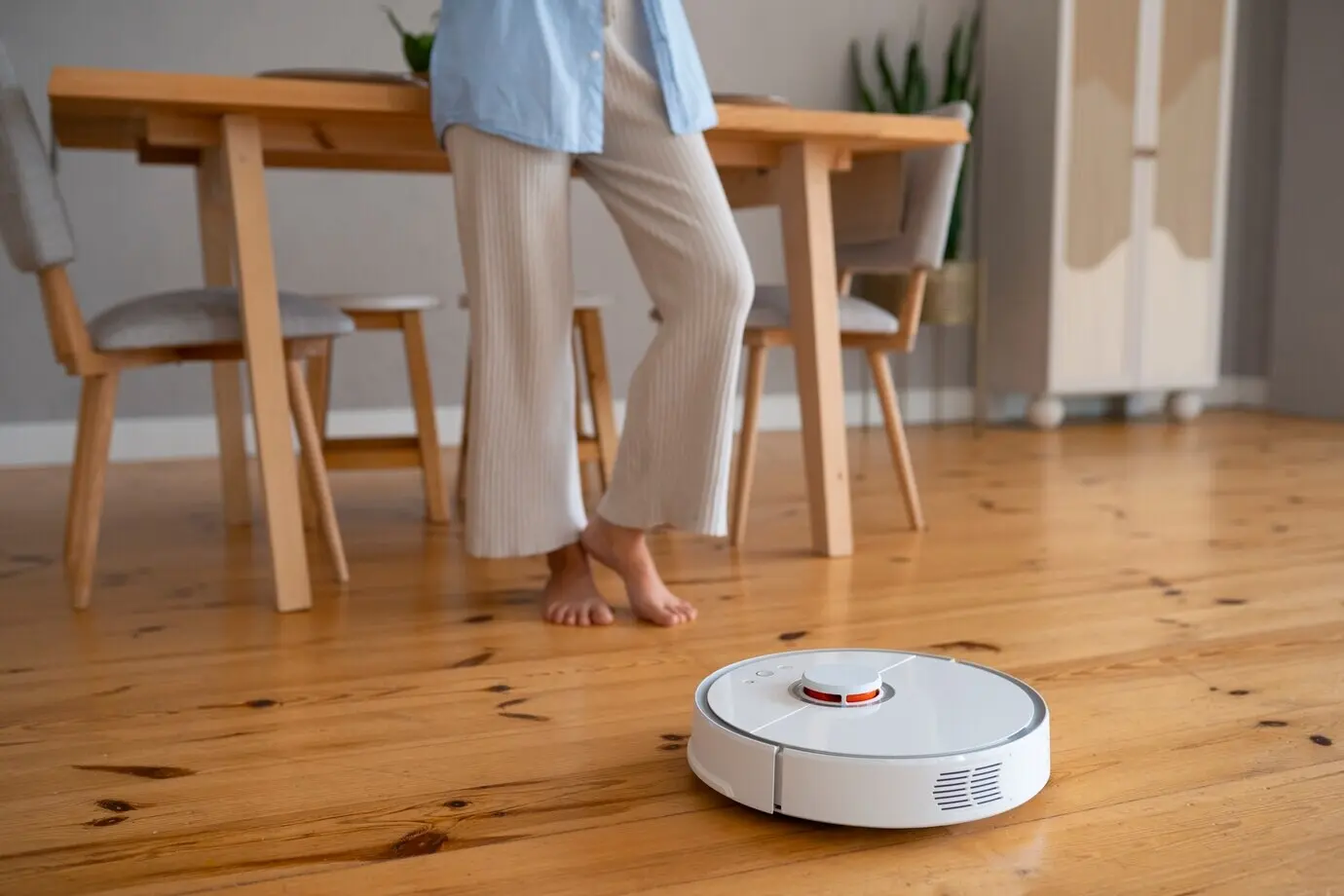
Strong architecture narrows trust and limits damage when something fails. We combine isolated networks, signed updates, and explicit permissions to keep convenience without surrendering control. You will learn practical patterns for routers, hubs, bridges, and cloud services that fit varied budgets. Describe your current gear and constraints; we will map an incremental plan with checkpoints, rollbacks, and visible milestones so improvements feel achievable and never require overwhelming weekend projects.

Keep It Local Whenever Possible

Run assistants and routines on local hubs or self‑hosted services where feasible, turning off cloud transcription and remote access by default. Cache models, snapshots, and metadata at home, syncing only essentials. Expect faster responses and fewer leaks. Share the devices you own and we will point to privacy‑respecting alternatives, community builds, or configuration switches that reclaim autonomy without sacrificing the snappy, seamless experiences that made automations feel magical initially.

Explain, Log, and Let People Opt Out

People deserve to know what triggers run, why they run, and where information goes. Publish brief explanations on a household board or app, keep audit logs, and allow easy pauses for guests. This transparency builds trust and catches mistakes early. Tell us how many people share your space, and we will suggest respectful prompts, temporary access codes, and notification patterns that honor boundaries while keeping everything comfortable and efficient.

Blur, Aggregate, and Limit Retention

Replace raw images with on‑device detection events, store occupancy as time windows rather than exact paths, and cap logs to short, rotating histories. Where sharing is unavoidable, add noise or aggregation to reduce identifiability. Post your current retention settings and we will propose tighter defaults, deletion schedules, and anonymization avenues that still preserve troubleshooting value, protecting intimacy while maintaining enough signal to keep your automations predictable and resilient.


Identity and Access That Respect Boundaries

Identity is the front door to everything you automate. Strengthen it with passkeys, phishing‑resistant MFA, device binding, and clear separation between human and service accounts. Grant permissions only as needed and review routinely. Share where sign‑ins feel clumsy, and we will suggest smoother, safer flows that reduce prompts while hardening trust, keeping family members and guests empowered without ever leaving powerful controls dangling within reach of opportunistic misuse.

From Idea to Routine: A Secure Lifecycle

Treat every automation like software: plan, model threats, implement, test, monitor, and retire. This steady rhythm reduces surprises and builds confidence. We will offer checklists, templates, and guardrails that fit busy lives. Share one new idea you are considering, and we will walk it through the lifecycle together, highlighting hidden dependencies, safety valves, and the moments where a small adjustment radically improves both privacy and resilience.

Habits, Households, and Human Signals

Security works when people embrace it daily. Small rituals—naming devices clearly, reviewing logs on Sundays, locking consoles at night—beat complicated systems nobody remembers. We will share checklists and memory aids that fit real families. Tell us who lives with you and how you coordinate today; together we will craft routines, shared language, and escalation paths that keep everyone safe without friction, shame, or constant technical firefighting.

Make Safer the Default Habit

Put the most secure choice on the easy path. Default to locked dashboards, short sessions, and explicit confirmations for costly actions. Use ambient cues—lights, chimes, or dashboards—to make state visible at a glance. Share one habit you struggle to maintain and we will design nudges, reminders, or automated resets that reinforce intentions gently, building resilience through repetition rather than brittle reliance on perfect memory during hectic days.

Defend Against Social Engineering

Voice assistants, intercoms, and shared devices can be tricked by urgency or familiarity. Teach challenge‑response phrases, require confirmations for purchases, and avoid announcing absences out loud. Run drills the way families practice fire escapes. Share a scenario that worries you—package pickup, maintenance visits, or unexpected calls—and we will suggest scripts, safe words, and device settings that blunt manipulative tactics without making your home feel cold, suspicious, or exhausting.
Lolapenolopokoluvuhare
Privacy Overview

This website uses cookies so that we can provide you with the best user experience possible. Cookie information is stored in your browser and performs functions such as recognising you when you return to our website and helping our team to understand which sections of the website you find most interesting and useful.